
RACI matrix Excel template: one R and one A per row, checked
Tasks in rows, stakeholders in columns, one letter at each crossing. This workbook checks the rule almost every matrix breaks by the third row: exactly one Responsible and one Accountable per task.
The idea: a RACI matrix is not there to produce a table
It is there to show the gaps before they block something.
Responsible does not mean the person in charge
R is the person doing the work. The one answering for the result is the A. A project manager who puts themselves in R on every row, because they feel responsible for the project, has just declared themselves the doer of everything and left the decision column empty. The workbook spells out the plain-English meaning next to each letter.
Two R's on a row, and nobody carries it
Each one moves forward assuming the other covers the rest. Two A's, and each one waits for the other to decide. The Check column flags those rows as soon as they appear, and when two names look equally legitimate, it is usually the task that is too big.
Imbalances only show once everything is written down
Someone approving four rows out of six is an approval bottleneck. Someone consulted everywhere but never trusted with a decision makes every loop heavier. The dashboard does those counts per stakeholder.
What the workbook contains
Four tabs, no macros, everything visible and editable. The calculation cells are locked so a formula does not get wiped by accident; the input cells stay free.
A matrix that checks itself row by row
Sixty tasks, twelve stakeholders, and a drop-down list at every crossing: R, A, C, I, S for the RASCI variant, and RA when the same person does the work and approves it. At the end of the row, the number of R's and A's, and a Check column that turns red as soon as a task does not have exactly one of each.
Letters spelled out, with the question that places them
Each letter carries its full word, what it means in practice and the question that settles it: “who produces the deliverable?” for the R, “whose input would be missed if we decided without them?” for the C. Stakeholders are entered in one place and appear on their own at the top of the matrix.
What each stakeholder carries
For every person or team, the number of tasks they do, approve, are consulted on and are informed of. Past thresholds you set, the workbook flags a likely overload, an approval bottleneck, or someone consulted everywhere without ever being trusted with a decision.
A dashboard listing what is left to settle
The number of tasks, how many pass the check, how many need fixing, and how many stakeholders are flagged. Below, the first ten rows to revisit, each with its reason, and a chart of what everyone carries.
A useful RACI matrix is not a full one. It is one where every row carries a single name in R and a single name in A.
How to use it
Five steps. The fourth is the one matrices skip: a row that fails the check is almost always a task to split in two.
Roles are clearly defined in only one organisation in two
Before blaming poor execution, it is worth checking whether responsibilities were ever written down.
- 45 to 50%
of respondents agree that roles and responsibilities are clearly defined
Wellingtone, State of Project Management 2021 - 35 to 40%
agree that the project manager has a defined strategy with an approved roadmap
Wellingtone, State of Project Management 2021 - 29%
of failed projects cite poor or inadequate communication among the main causes
PMI, Pulse of the Profession 2018, 4,455 practitioners
A responsibility written nowhere is discovered when it blocks, which is rarely the right moment to negotiate it.
Where this workbook stops
A matrix on a spreadsheet holds the workshop where it is built. What makes it wrong afterwards has nothing to do with Excel: four things the format cannot carry.
The workbook counts letters, not days
Someone can be R on ten rows without the file knowing whether they have ten days or ten weeks ahead of them. The overload signal is based on a number of tasks, not on their duration or on time off: a half-time person and a full-time person weigh the same.
Nothing says who waits for whom
The matrix assigns roles, it does not connect tasks to each other. You know IT does the configuration, not that testing depends on it, nor what a late approval would push back.
A matrix is only as good as its rows
The workbook checks one R and one A per row, not that the row is a real task. A row called “Design” will pass the check with a single name, and stay too big for anyone to truly carry. The breakdown work happens before.
It goes wrong without warning
Someone leaves, a reorganisation happens, a supplier is replaced: the matrix does not know. And a wrong matrix is worse than no matrix, because it suggests the question of responsibilities has been settled.
None of these four points is a flaw in the template. They are the limits of a matrix kept apart from the project it describes.
A matrix beside the project, or a matrix inside it
With the workbook
You know who does what, without knowing whether it fits in anyone's time.
- The rows come from a list, not from a breakdown of the project
- Nothing connects a task to the ones waiting on it
- Workload is counted in letters, never in days
- Time off appears nowhere
- Every reorganisation is carried over by hand
With the RACI matrix in Orchesia
The same grid, held inside the project: each letter assigns the person to the task.
- The rows are the tasks of the breakdown, the columns the project team
- A default workload share per role, adjustable cell by cell
- Workload reads per person and per period, time off included
- Dependencies are declared, so you see who waits for whom
- A matrix that follows the team: removing a letter unassigns the person
Doing it in Excel?
It is the most common tool for a RACI matrix, and for building one in a workshop it does the job well. The file is sent immediately after you confirm, with no email to wait for.
What you get
- 85 KB .xlsx workbook, no macros, works in Excel, LibreOffice and Google Sheets
- Four tabs: how to use, settings, RACI matrix, dashboard
- 60 tasks and 12 stakeholders provided, editable flagging thresholds
- A worked example, rolling out an HR tool, with one row wrong on purpose
Frequently asked questions
Yes, and with nothing asked beyond your email address, which is used to send you the file. You are only subscribed to the newsletter if you tick the box for it, and the file is sent the same way either way.
R, Responsible, is the person doing the task. A, Accountable, approves it, settles disagreements and answers for the result. C, Consulted, is asked for input before the decision. I, Informed, is told once the decision is made. Watch the common mix-up: Responsible is the doer, not the person who answers for it, which is the A.
Because two doers on a row means two people each thinking the other is on it, and two approvers means two people each waiting for the other to decide. When two names look equally legitimate, the task is usually too big: split it in two, and each half gets back to a single R and a single A.
S, Support, covers the RASCI variant: someone helping the doer without owning the task. RA means the same person does the work and approves it, like a requester signing off their own testing. The check accepts it but flags it in amber, because nobody then reviews that row from the outside.
For each stakeholder the workbook counts the tasks where they do the work, approve, are consulted or are informed. By default it flags a likely overload from 5 tasks done, an approval bottleneck from 4 approvals, and someone consulted everywhere from 3 consultations without ever doing or approving anything. Those thresholds are editable in the Settings tab.
Both are used in practice. Teams age better, since one person leaving does not make the matrix wrong. Names are clearer, because nobody hides behind a team. On a short project use names; on a long programme use teams and keep the list of people in the Role or team column.
The file is a plain .xlsx with no macros. It opens in Excel, in LibreOffice Calc and in Google Sheets. The drop-down lists and the colours of the check are kept; on Google Sheets the dashboard chart may look slightly different.
Only the ones carrying a formula or a header, so a paste does not wipe them. Every input cell stays free: stakeholders, thresholds, tasks and letters. If you want to change a formula, the protection comes off from the Review tab with the password “orchesia”.
Yes. In structured projects as in simplified ones, a RACI tab crosses the tasks with the project team, and picking R, A, C or I in a cell assigns that person to the task with that role. In a structured project each role carries a default workload share you can set (100% for the R, 20% for the A, 10% for the C, 0% for the I), which feeds each person's workload, time off included.
Further reading
The methods behind the tool, explained in detail.
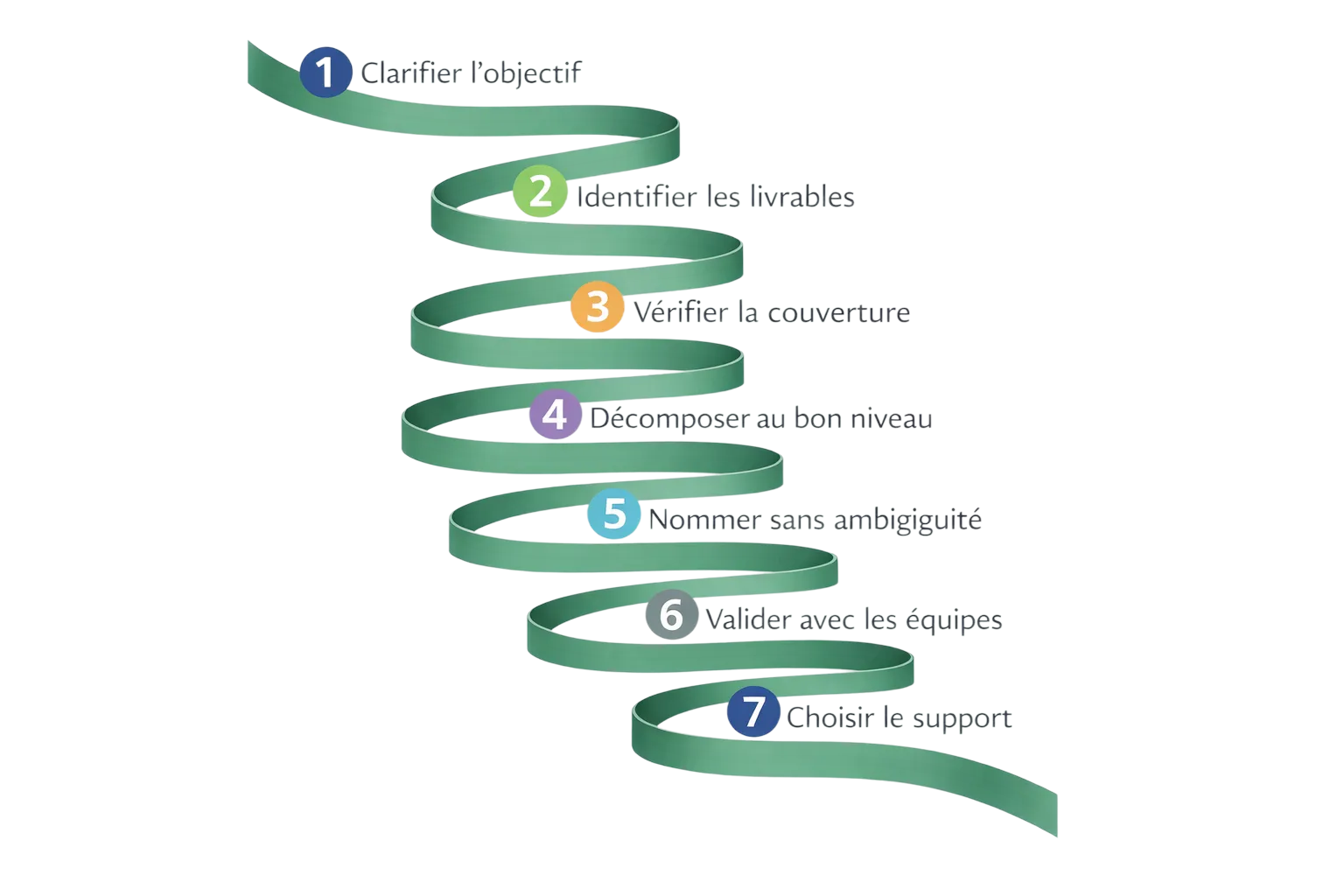 How to build a WBS, step by stepA practical method for decomposing a project into deliverables and work packages, with the checks that tell you the structure is sound.
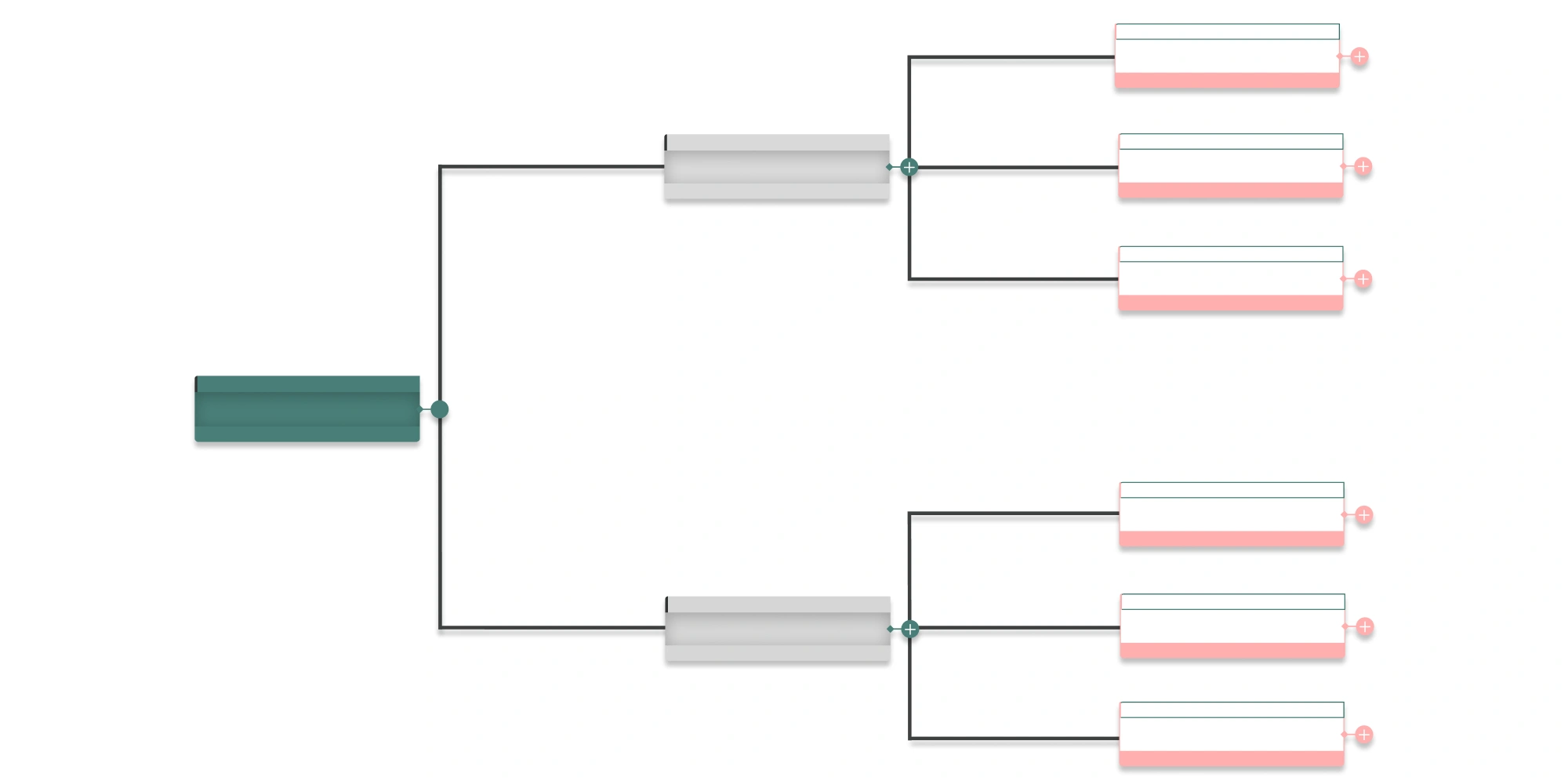 What is a Work Breakdown Structure (WBS)?A WBS breaks a project into deliverables and work packages. Definition, the 100% rule, decomposition levels and how it differs from a task list.
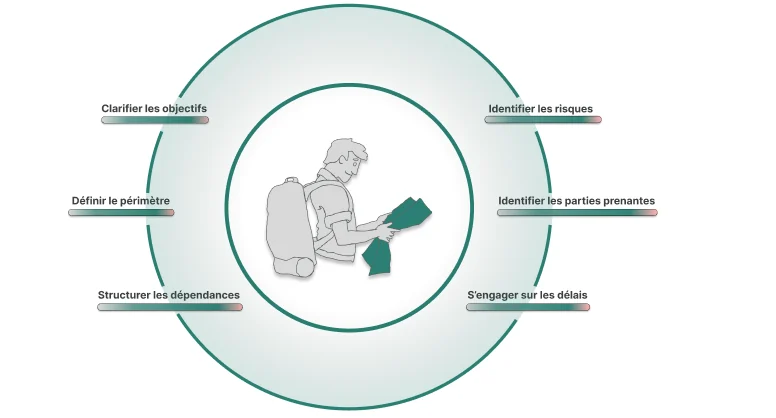 How to scope a project before you commit to a dateFraming is not paperwork. It is the last moment where a decision is cheap. Here is what a scoping stage has to produce before anyone opens a schedule.
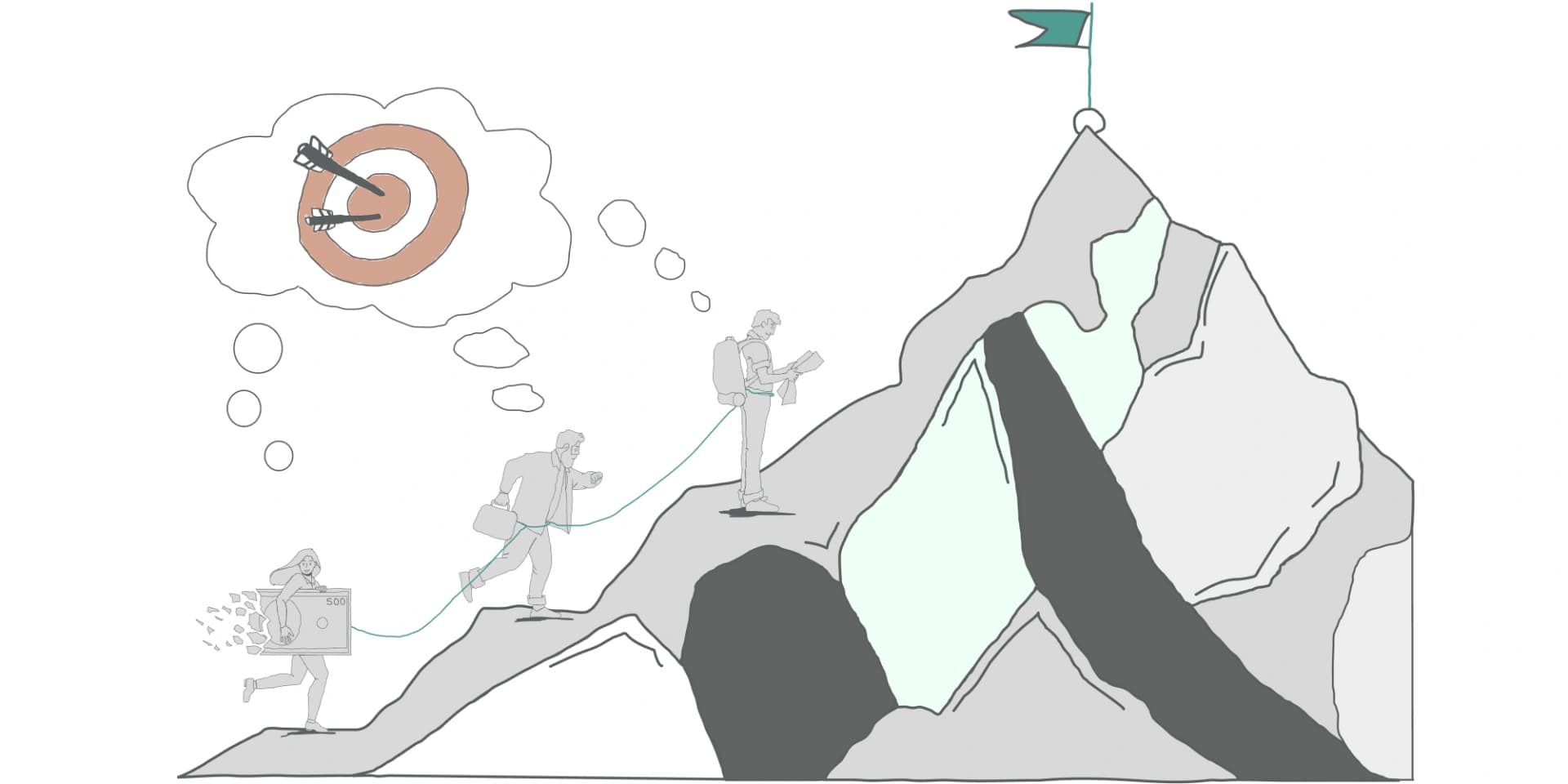 What is a project? Definition and life cycleA project is a temporary effort aimed at a unique outcome, delivered under constraints and uncertainty. Here is what that means in practice, and why the framing decides the outcome.
Assigning roles is not enough if nobody knows what each task demands.
In Orchesia the RACI matrix is a view of the project: each letter assigns the person to the task with a workload share, and the workload view shows whether those responsibilities fit in anyone's time. Free 30-day trial, no credit card.