Free
€0
After trial · 1 project · no time limit
- Deadline-driven planning on 1 project
- Phases, milestones, items
- MoSCoW Kanban per phase
- Work cycles
- Workload vs capacity
- Dashboards
- Automations

Deadline already set? Lay out your phases from that date, prioritize work phase by phase, and track execution by planning your work cycles.
In Excel, a date or scope change forces you to edit cells, copy formulas, and realign the team. Deadline-driven planning software lets you move phases and keep everything in sync, without rebuilding from scratch.
In a file, the schedule freezes quickly. Priorities and tracking happen elsewhere. You lose the thread between what was planned and what's actually done. A dedicated tool keeps both in one place.
A frozen schedule shows dates, not team reality. It's hard to know if the deadline is still achievable when people change or multiple projects overlap. Software makes workload visible.
Deadline-driven planning starts from the end. Most software starts from the beginning and assumes the finish date will adjust.
You work dates back through cells, then a vendor slips a week and it all needs redoing. In practice the file is recomputed only once.
You see what is left to do, never how long is left to do it. Nothing flags that a task no longer fits the time available.
You enter a start date and the tool derives the end. When the end is imposed, you do the arithmetic yourself before entering anything.
When the date will not move, the only variable left is scope. The tool still has to show it.
Start from the day itself, work back, and see straight away what does not fit in the time available.
In Orchesia's simplified project management mode, you manually place phases between two dates, starting from your deadline.
Your end date is known: place your phases on the calendar (date A → date B) starting from the deadline and working back in time. That's the core of visual deadline-driven planning, in a tool built for projects.
In each project phase, define and create items to complete during the phase, then prioritize them with a decision-support board (Must, Should, Could, Won't).
As soon as you coordinate multiple projects in the same workspace, cycles let you plan cross-project work: assign people and their hours per week, organize project items by drag-and-drop, and see at a glance whether workload stays compatible with team capacity.
A well-built plan is a schedule the team understands, the client can read, and you can adjust without starting over.
Before discussing delay, it is worth checking whether a schedule was ever produced.
do not consistently build a project schedule
Wellingtone, State of Project Management 2021do not have project tracking they consider successful
Wellingtone, State of Project Management 2021have no access to real-time indicators
Wellingtone, State of Project Management 2021When the delivery date is imposed, a missing schedule only becomes visible once it is too late to arbitrate.
Deadline known, fragile plan.
Deadline fixed, path organized from the end date.
Anyone whose delivery date is decided by someone else.

The event date is public and will not move. Everything else is organised from it.

The session is sold and booked. The material has to be ready before, without a last-minute crunch.

Broadcast, festival or client delivery: the arrival date drives the work plan.

To know from the start what will have to be dropped if a step slips.
It's a schedule built in reverse from a fixed end date: you break work into phases and milestones to meet the deadline, rather than starting from day one and moving forward.
A classic schedule starts at the beginning and chains steps forward. Deadline-driven planning starts from the end date and organizes the path to get there—useful when the deadline is imposed (launch, delivery, event).
In project planning, you start from project content to establish a realistic date. In deadline-driven planning, the date is already set and scope becomes the adjustment variable. Explore project planning.
Set the deadline, break the project into phases starting from that date, place control milestones, then detail items to handle in each phase. In Orchesia, you place phases manually on the calendar then prioritize with the MoSCoW Kanban.
Yes, on one project: the free plan includes phases, milestones, MoSCoW Kanban, work cycles, workload vs capacity, automations, and items (up to 15 phases and 150 items). Managing multiple projects requires paid plans.
Excel works for a first draft, but the spreadsheet stays frozen and disconnected from tracking. Orchesia keeps the same reflex (placing phases manually) while connecting deadline-driven planning to execution: priorities, items, adjustments without redoing everything.
Yes, with an automation. The rule watches each item's deadline, or the end of its phase, and acts once the date is overdue by the number of days you choose: it sets a custom status column to "Late", or the MoSCoW priority to Must. The check runs once a day, early in the morning. The rule changes the item without sending a notification, so the result shows up in the List or Kanban view. Automations are included in every plan, the free one too.
Then it's not deadline-driven planning: the date must be calculated from project content. Explore Orchesia's project planning (structured mode, WBS, dependencies, critical path).
Yes. Backward planning, reverse scheduling and deadline-driven planning all describe the same method: you anchor the delivery date and work the phases back from it. We use deadline-driven planning because it states what actually constrains the project — the date someone else decided.
30-day free trial to get the full Orchesia experience · No credit card
After the trial, continue deadline-driven planning free on 1 project, or choose a paid plan to manage multiple projects in the same workspace.
After trial · 1 project · no time limit
To manage multiple projects
The methods behind the tool, explained in detail.
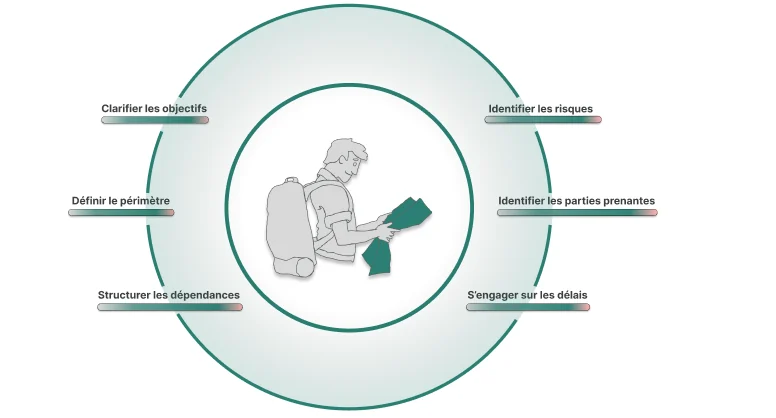 How to scope a project before you commit to a dateFraming is not paperwork. It is the last moment where a decision is cheap. Here is what a scoping stage has to produce before anyone opens a schedule.
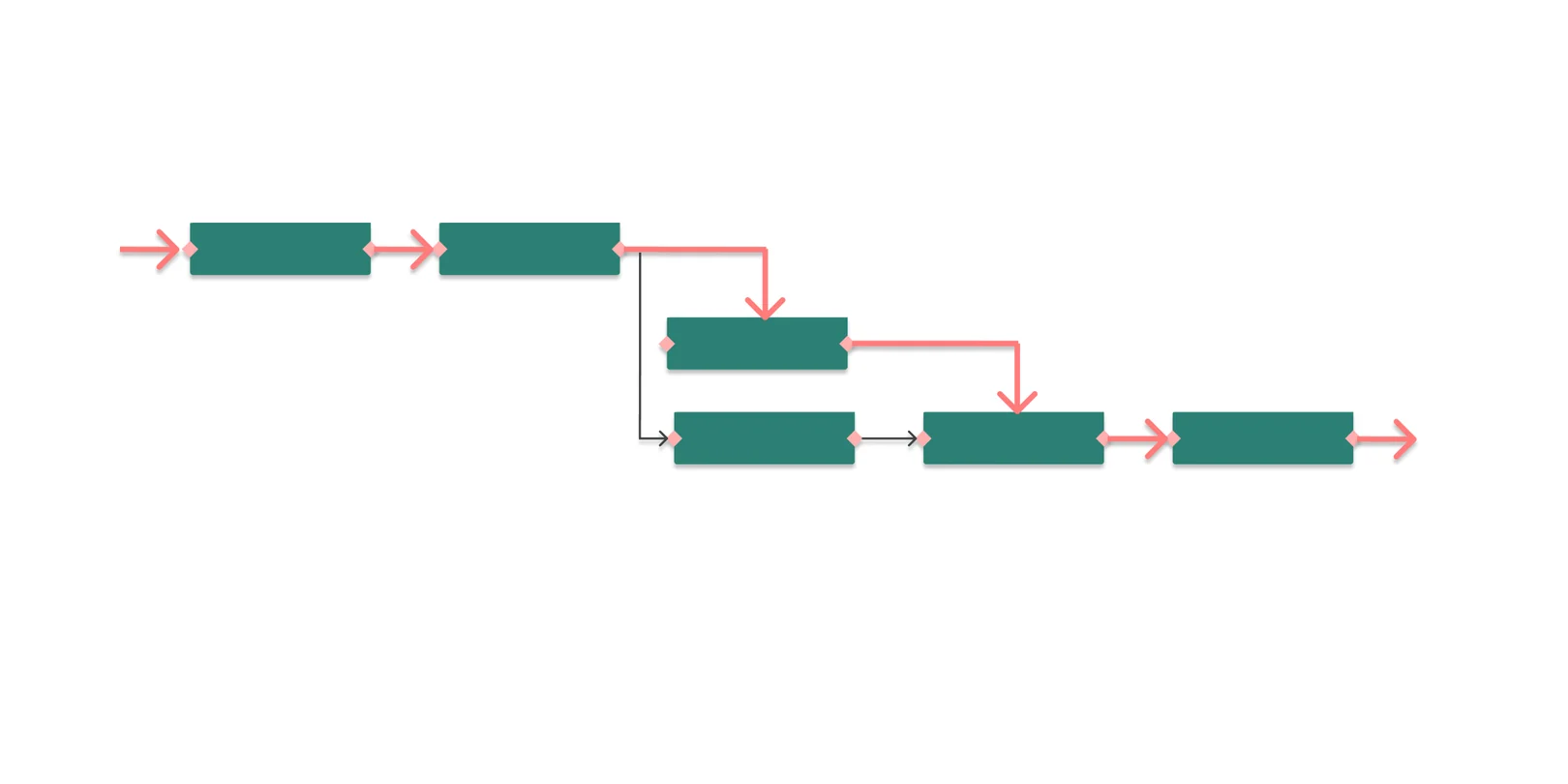 What is the critical path in project management?The critical path is the longest chain of dependent tasks in a project. It sets the minimum duration — and any delay on it moves the end date.
Place your phases, prioritize, and track progress on one project, free. Upgrade to paid plans when you manage multiple projects in the same workspace.