
Build Your Visual WBS, Structure Your Project Before Planning
Orchesia guides you in breaking down your project into phases, work packages, and tasks. Clear scope, reliable estimates, deadlines met.
Why use planning software to build a WBS?
Because a poorly used WBS doesn't structure anything. It creates a false sense of clarity.
To keep your scope from never truly stabilizing
Without a formalized WBS, each stakeholder has their own view of the project. Omissions and disagreements surface during execution.
To avoid announcing estimates at random
Without structured deliverable breakdown, announced timelines rest on impressions, not the reality of work to be done.
So your project is built with those who will execute
Built in dedicated software, the WBS becomes a real collaboration tool bridging strategy and the field.
The tools that claim to do a WBS
Of the 50 tools we tested in late 2025, 20 handle a breakdown structure correctly. Here is what breaks in the others.
Excel accepts anything, including the incoherent
Nothing stops a parent task lasting seven days when its children last one. The hierarchy is visual, not computed. And the file does not survive the departure of whoever maintained it.
Notion stops at five levels of relation
You can break work down with databases, but past five relations progress no longer rolls up to the project. The structure exists on screen without existing in the calculations.
Two levels, and that is all
Several tested tools cap the breakdown at two tiers. A real project needs four or five: you flatten the structure to make it fit.
MS Project handles hierarchy but does not build it
Sub-tasks and dependencies are well handled. There is no pyramid view though: you type rows into a table, you do not break work down visually.
A WBS is only useful if the tool enforces its rules. Otherwise it is a bulleted list with indents.
Building a WBS that holds
The breakdown follows deliverables, not actions. Orchesia enforces the rule other tools let slide: a parent activity is driven only by its children.
WBS within a structured upfront planning approach
In Orchesia, the WBS isn't an isolated deliverable. It structures project breakdown into work packages, deliverables, and tasks, before you even touch the schedule.
Define what's in the project, and what isn't
Orchesia guides you in building your Work Breakdown Structure from objectives, identifying deliverables, and drilling down to tasks. Scope becomes explicit, shared, and enforceable for everyone.
A structure that evolves with the project, not against it
The WBS is co-built in real time with your business teams and isn't frozen on day one. It remains editable as trade-offs happen, while staying connected to PERT and Gantt. You refine without rebuilding everything.
AI working on your project
Describe your project in one sentence: AI generates the WBS, predicts the tasks and proposes the dependencies. You review and adjust in one click. You keep control — AI just speeds it up.
A well-built Work Breakdown Structure by level means fewer surprises along the way and timelines you can actually meet.
We tested 50 project management tools
In late 2025 we opened the highest-rated tools one by one, against two criteria: do dates shift with their predecessors, and does a parent task duration follow from its children?
- 22 / 50
handle task dependencies correctly
Orchesia benchmark, late 2025 - 20 / 50
handle WBS structure correctly
Orchesia benchmark, late 2025 - 2 / 50
display a PERT chart
Orchesia benchmark, late 2025 - 1 / 50
builds the Gantt chart from a WBS and a PERT chart
Orchesia benchmark, late 2025
The only one doing the full chain is a twenty-year-old licensed tool built for large enterprises. The method exists. It is simply not usable anywhere.
Two ways to structure a project before planning
Without dedicated WBS software
Clear intent, fuzzy scope.
- Each stakeholder has their own view of the project
- Task list without hierarchy or deliverables
- Estimates based on intuition, no breakdown foundation
- WBS built without the teams who will execute
- Frozen structure, disconnected from the schedule
With Orchesia
Explicit scope, shared structure.
- Deliverables and tasks broken down by level
- Scope co-built with business teams
- Visual structure, editable without rebuilding everything
- WBS connected to PERT, Gantt, and roadmap
- Solid foundation to estimate and plan
Who builds a WBS with Orchesia
The breakdown serves those who must commit to a scope and defend it afterwards.

Engineering firms
To move off the spreadsheet maintained by one person, without losing deliverable-based rigour.

Accidental project managers
To break work down without knowing the vocabulary: the view is called a mind map, the WBS rules apply underneath.

Consultants and freelancers
To scope an engagement up front and hold a reference you can point to when scope moves.

Founders and early-stage teams
To turn an intention into a list of concrete deliverables before committing budget or a date.
An effective WBS doesn't build itself.
It fits within a structured upfront planning approach.
See Orchesia in actionFrequently asked questions
WBS breaks down project scope into deliverables and tasks. Gantt schedules those tasks over time. You build the WBS first, then the Gantt. Orchesia guides you in that order.
Yes. Orchesia is designed for co-construction. Decision-makers, project managers, and operational teams work in the same workspace, on the same structure.
Under 15 minutes for a first project. You can start from scratch or ask AI to generate an initial structure from a one-sentence description.
Yes. The WBS is the foundation for all project views: PERT, Gantt, roadmap. Modifying the WBS structure updates the other views.
Yes, but Excel doesn't visualize dependencies, doesn't calculate the critical path, and doesn't support real-time collaboration. As soon as the project gets complex, the file becomes unmanageable.
Yes, by construction. A parent activity is worth exactly the sum of its children: its duration and progress are derived from them and cannot be edited directly. That is the rule most tools let you break — and the reason their breakdowns drift.
Each element carries a description, attachments, assigned members and its own custom fields. That covers what a WBS dictionary is normally for: stating what is included in a work package and what is not.
Deliverable-based, as a rule. A phase describes when work happens; a deliverable describes what is produced. Decomposing by deliverables gives you elements you can estimate, assign and accept — which a phase does not.
Simple pricing, no surprises
All the tools to structure and run your projects. 30-day free trial.
per user, billed monthly
View pricing30-day free trial · No commitment · Cancel anytime
What's included
- Access to all features
- Free updates
- Document storage
- Real-time collaboration
- PDF export
 AI credits
Further reading
The methods behind the tool, explained in detail.
 How to estimate the duration of a task in a projectWho estimates, under what conditions, and why the buffer must not hide inside the figure. The six rules that make an estimate usable.
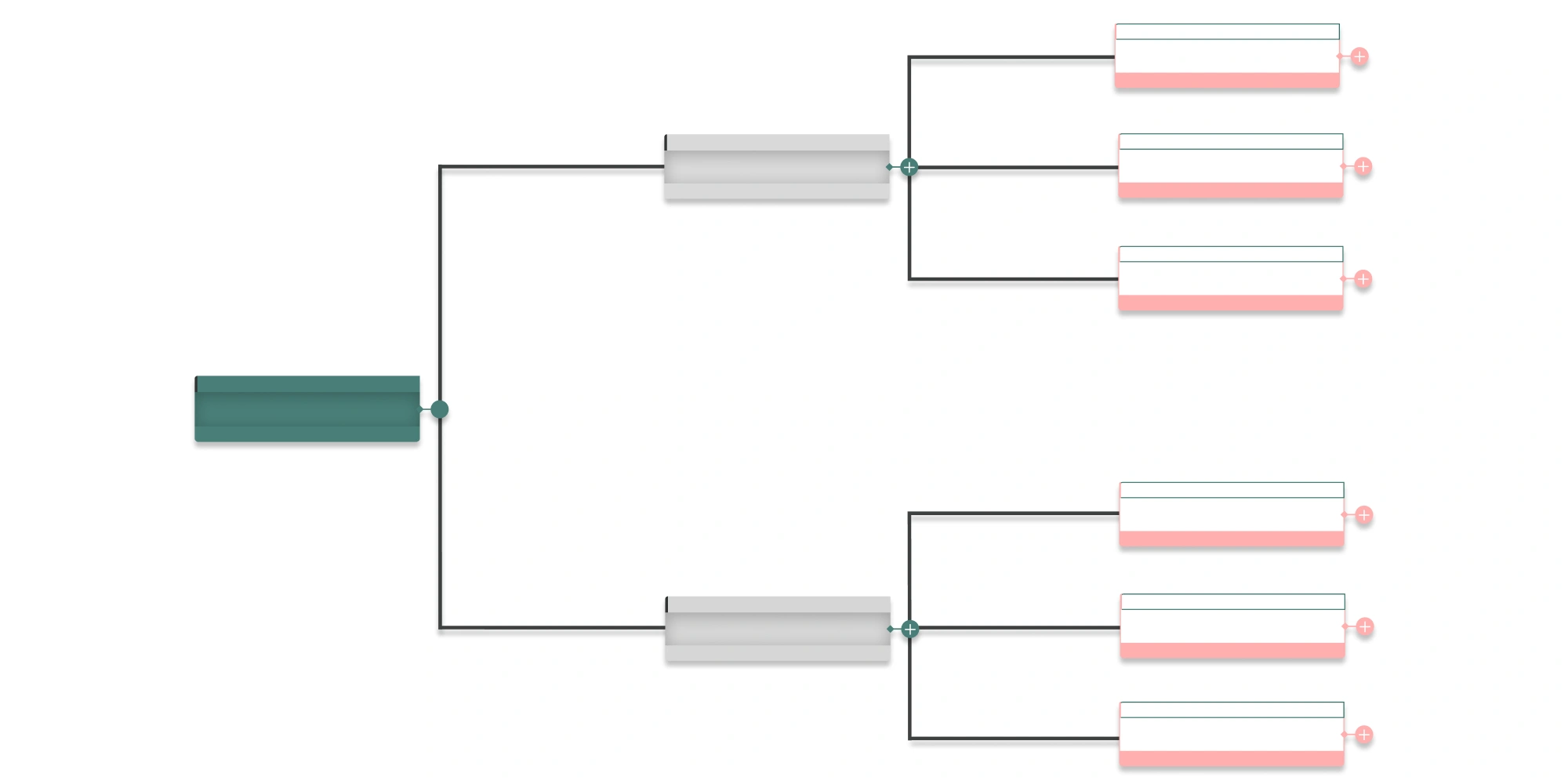 What is a Work Breakdown Structure (WBS)?A WBS breaks a project into deliverables and work packages. Definition, the 100% rule, decomposition levels and how it differs from a task list.
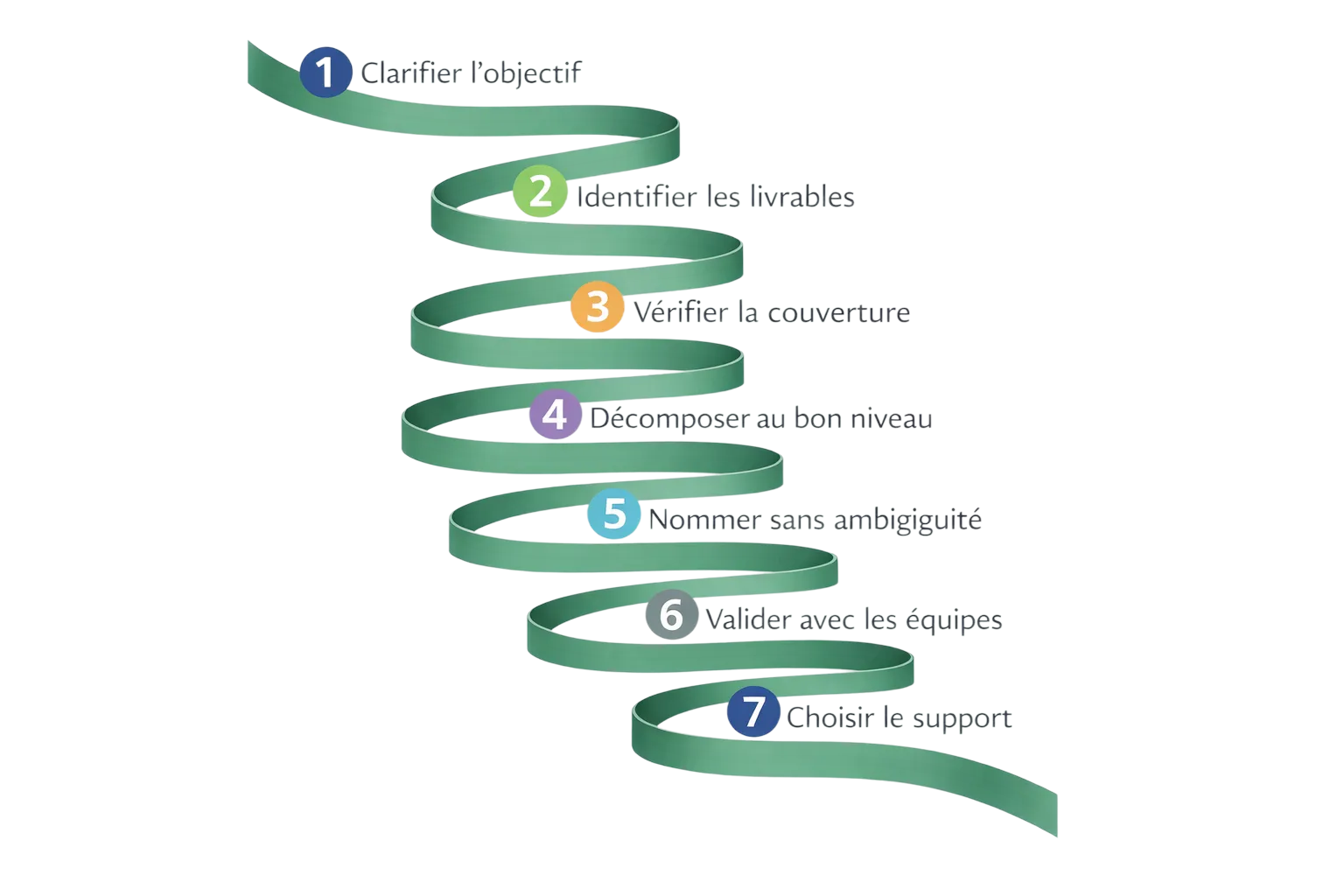 How to build a WBS, step by stepA practical method for decomposing a project into deliverables and work packages, with the checks that tell you the structure is sound.
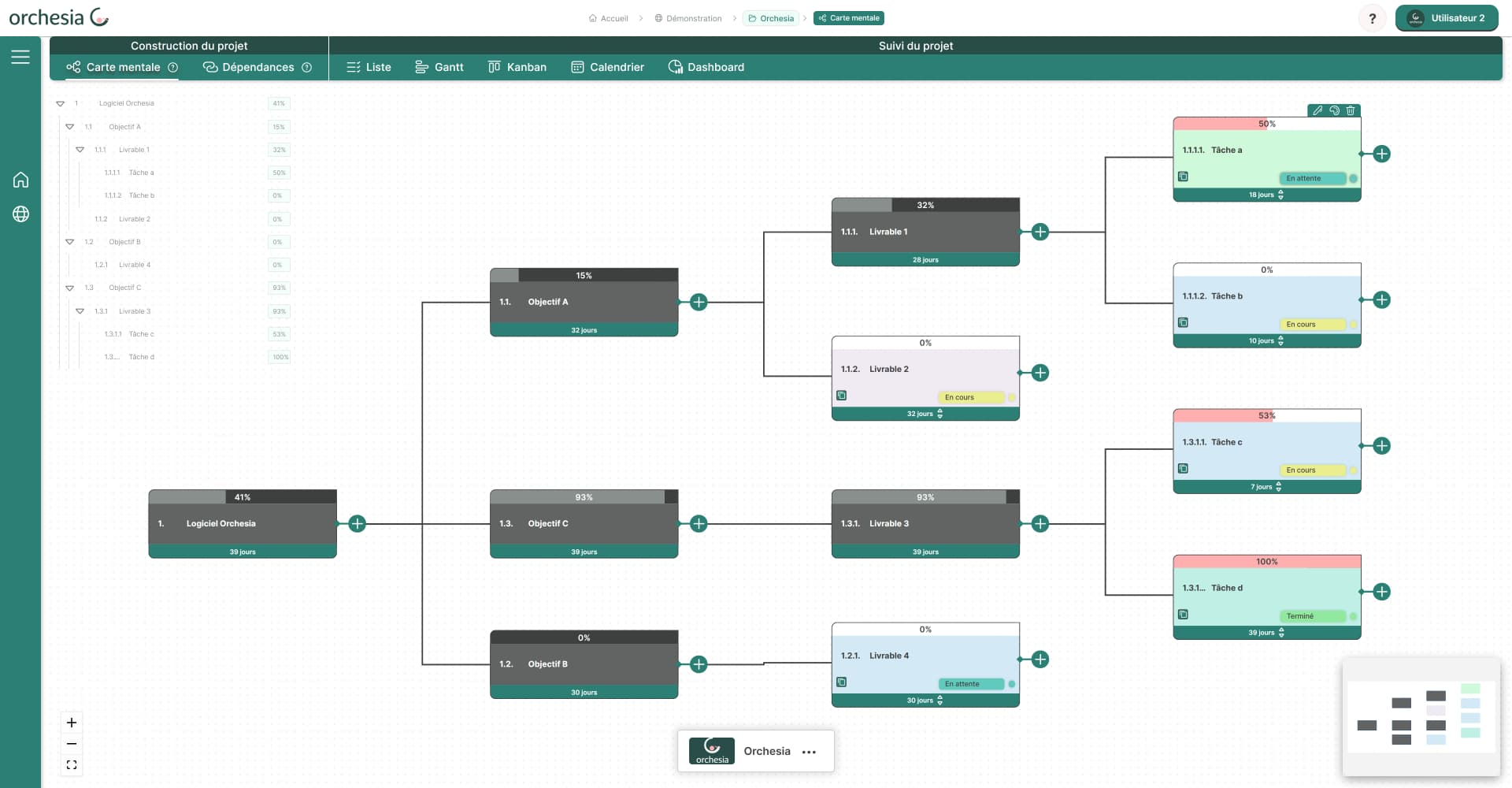 Build a WBS in Orchesia: from mind map to work packagesHow Orchesia turns a scoping conversation into a structured WBS that feeds the dependency model and the schedule, instead of a diagram nobody reopens.
Your next project deserves a real starting point.
Build your WBS in minutes and lay solid foundations before planning. 30-day free trial, no credit card required.