
MoSCoW Excel template: four levels, three checks
One row per item, one effort, one level. The workbook colours the backlog, spots the rankings that contradict themselves, and tells you row by row what is wrong.
The idea: a prioritisation table is not there to arrange labels. It is there to say what will not be delivered.
Making everything a Must have is the same as prioritising nothing
That is what the first pass produces in almost every session. As long as there is no number to settle it, everyone defends their own row and nobody is wrong.
Without effort figures, the 60% rule cannot be worked out
The share is measured in days, not in number of rows. Ten small rows marked Must have can weigh less than two large pieces of work marked Should have.
Whatever is not written down as excluded always comes back
The Won't have column is the one teams leave empty. It is the only thing that stops the week-six "I thought that was in scope".
What the workbook contains
Four tabs, no macros, everything visible and editable. The input cells are the only unlocked ones.
A backlog that colours itself
Eighty rows, a drop-down list at every level. Must have and Should have take the deep green, Could have the light green, Won't have the grey. You read the spread at a glance, without counting.
Three checks that run on every keystroke
The Check column flags an item with no effort, a Must have that declares a workaround, and an exclusion with no review date. Every row tells you what is wrong in plain words, not through a badge you have to decode.
The verdict on the 60%, worked out live
The dashboard adds up the effort by level, leaving out Won't have which consumes nothing, and shows the share of Must have. Above the cap, the banner turns red and tells you what to do.
The four levels defined, and the cap you can change
The Settings tab spells out what each level means and whether it gets delivered. The 60% cap comes from DSDM, and you can change it if your situation calls for it.
A useful prioritised backlog is not a full backlog. It is a backlog where the share of Must have stays under the cap, and where what is excluded is written down.
How to use it
Five steps. The third is the one teams skip: look the percentage in the face before arguing about it.
One row per thing that can be delivered on its own. "Billing overhaul" cannot be prioritised: it holds both the essential and the incidental, and will end up marked Must have as a block.
An order of magnitude is enough, to the nearest half-day. Without that number the workbook can work nothing out, and the prioritisation stays an opinion.
Everyone ranks on their own before anyone speaks, otherwise the first opinion drags the rest along. Then you read the share of Must have. Between 80 and 95% on the first pass: that is normal, the work starts there.
Go back through the Must have items one by one and look for a workaround that holds for a few weeks. Downgrade the ones that have one, not the smallest ones: otherwise the percentage does not move.
For every Won't have, note when it will be revisited. The workbook refuses to pass an exclusion with no date, because a dated refusal is a postponement, and a postponement can be accepted.
Scope is what moves most
Teams know it, and it is the first difficulty they report.
- 70% vs 53%
mature organisations meet the original scope, against immature ones
PMI, Pulse of the Profession 2020, 3,060 practitioners - 2nd of 15
responding to mid-project change, among the main challenges reported by French SMEs
Capterra 2018, 753 respondents - 52%
of projects experienced scope creep, against 43% five years earlier
PMI, Pulse of the Profession 2018, 4,455 practitioners
Scope creep is growing. It is not a question of firmness: it is a question of a reference written before kickoff.
Where this workbook stops
A prioritisation table in a spreadsheet handles the session you build it in perfectly well. What it struggles with is what comes next: the backlog lives on, requests arrive, and the file stays at the date somebody last closed it.
The workbook adds up days, it does not know who works them
Twenty-four days of Must have may well fit the envelope, and not fit at all in the diaries of the two people who have to deliver them.
Priority does not give you the order of work
Two Must have items cannot be done in any order you like if one depends on the other. The spreadsheet knows nothing of that link.
A ranking goes stale, and the file does not say so
A prioritisation done at kick-off and never reopened becomes decoration within weeks, and nothing in the workbook tells you.
Nothing forces a new request to take another one's place
In a file, you add a row. The rule that says a new Must have has to push another one out rests on the discipline of whoever is typing.
None of these four points is a flaw in the template. They are the limits of a file, faced with a backlog that changes every week.
A table beside the project, or prioritisation inside it
With the workbook
You know what matters, without knowing whether it fits in the team's time.
- Effort adds up, but it never meets real capacity
- A new request goes in at the bottom, pushing nothing out
- The ranking ages without anyone being told
- Won't have ends up in a file nobody opens any more
- Priority says nothing about the order to work in
With the MoSCoW backlog in Orchesia
The same four columns, held inside the project: moving an item changes the scope of the cycle, not just its colour.
- Prioritised effort meets each person's capacity
- An item slides from one level to another, and the cycle recalculates
- The Won't have column stays visible next to the others
- Dependencies are declared and set the order of work
- The history keeps who downgraded what, and when
Doing it in Excel?
It is the most common tool for a prioritisation table, and for running the session it does the job very well. The template is ready, the checks are running, all that is left is to fill it in.
What you get
- An 80-row backlog, with a drop-down list and colours by level
- Three automatic checks, spelled out in plain words row by row
- A dashboard that works out the share of Must have and gives its verdict
- A how-to tab and a settings tab, cap included
Frequently asked questions
Yes, and with nothing asked in return beyond your email address, which is what we use to send it. No macros, no account to create, the file is yours once downloaded.
From DSDM, the method that took MoSCoW up after Dai Clegg created it at Oracle in 1994. The convention is that Must have items should not exceed 60% of the effort, and that around 20% should sit in Could have to act as a margin.
Yes, it is set in the Settings tab and every calculation follows. Before raising it, ask yourself what will absorb the next surprise: that is exactly the role of the margin the cap protects.
Because it is out of the release, so it consumes no days. Including it would artificially lower the share of Must have, and the rule would lose all its meaning.
Three things: an item with no effort, which weighs nothing in the calculation; a Must have that declares a workaround, which contradicts itself; and an exclusion with no review date. Rows that pass show OK in green.
Yes. The formulas used are standard and the drop-down lists survive the import. Both tools pick up the conditional colours, sometimes with a slightly different look.
Eighty rows are ready, formulas and checks included. If you need more, simply copy the last row downwards: the formulas follow.
No. The method applies to any scope that can be cut into separately deliverable items: an event, a campaign, a building project in packages. The vocabulary comes from software, the mechanics do not depend on it.
Yes, at least roughly, because the rule is worked out on effort. Accuracy to the half-day is plenty, and the workbook flags every row that has none.
Further reading
The methods behind the tool, explained in detail.
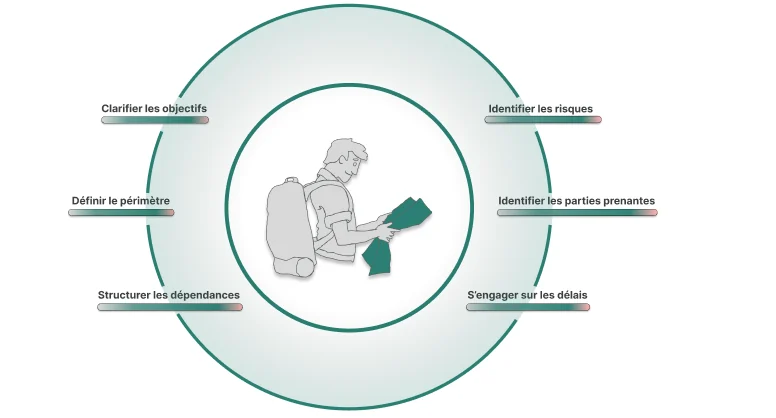 How to scope a project before you commit to a dateFraming is not paperwork. It is the last moment where a decision is cheap. Here is what a scoping stage has to produce before anyone opens a schedule.
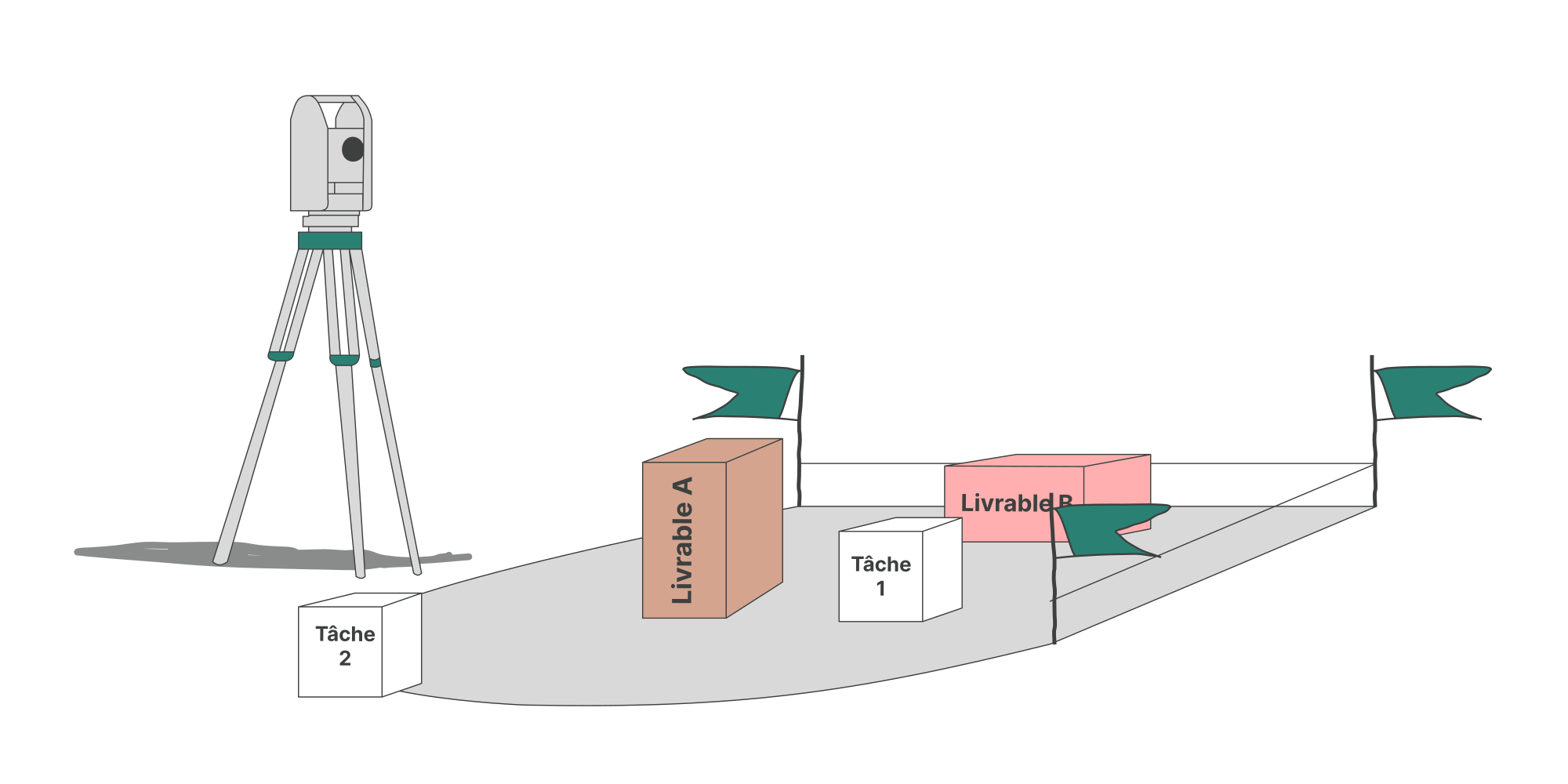 Scope creep: why projects grow without anyone decidingScope creep is rarely a single bad decision. It is the accumulation of small additions nobody logged, on a scope that was never fully written down.
 How to estimate the duration of a task in a projectWho estimates, under what conditions, and why the buffer must not hide inside the figure. The six rules that make an estimate usable.
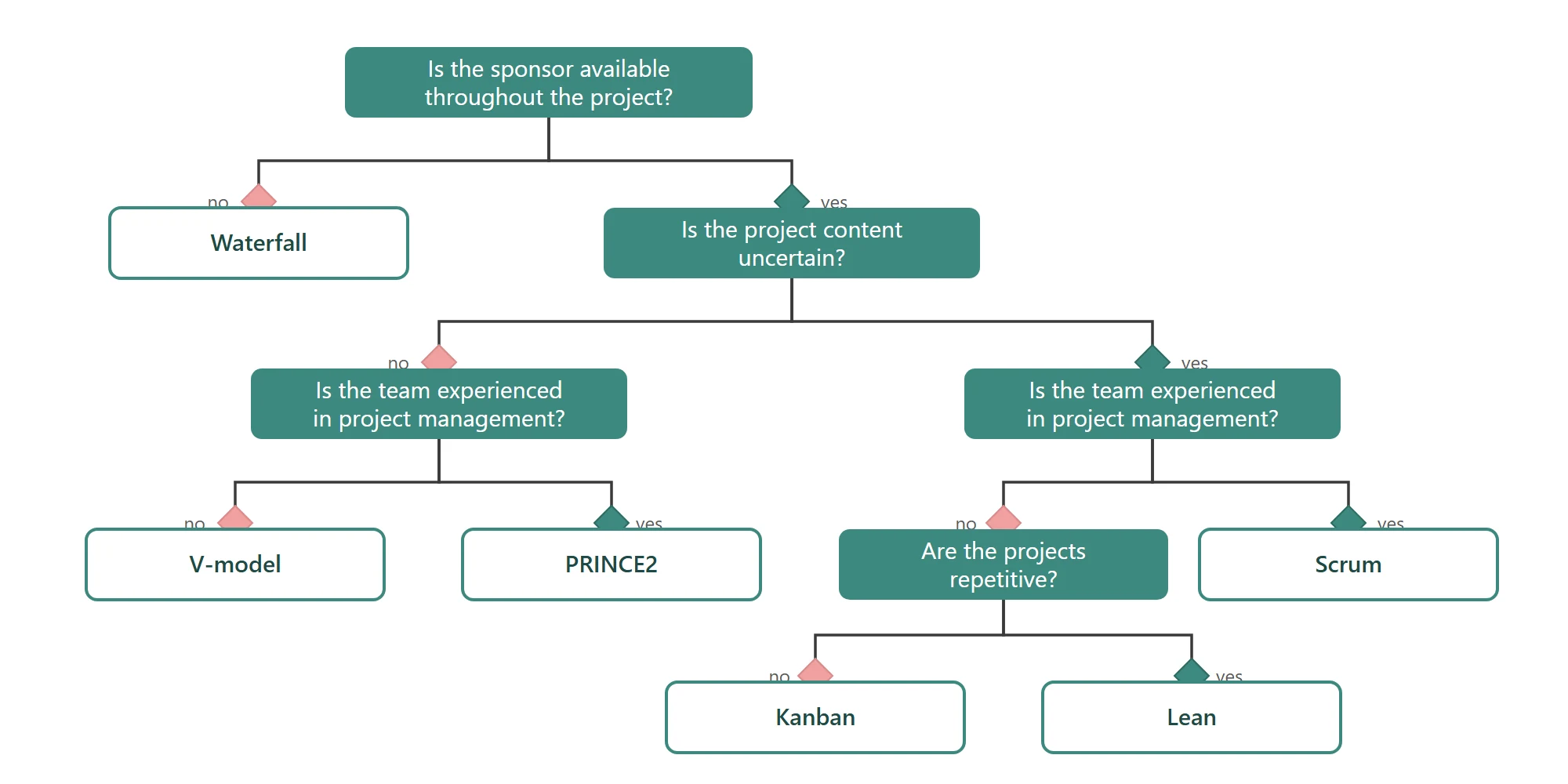 Project management methodologies: agile and traditional approachesWaterfall, V-model, PRINCE2, Scrum, Kanban, Lean: what each method fixes at the start, what it leaves open, and the situations where it holds.
Prioritising once is not enough: a backlog moves every week.
In Orchesia, the four levels are a view of the project: moving an item changes the scope of the cycle, effort meets each person's capacity, and the Won't have column stays in front of everyone. Free 30-day trial, no card required.