


Free
€0
After trial · 1 project · no time limit
- Backward planning for 1 production
- Phases, milestones, items
- Kanban per phase

An audiovisual production rarely derails in the edit — it derails during prep. Your delivery date is fixed: broadcast, client or festival will not wait. Orchesia builds your plan backward from it, with clear phases, milestones and priorities.
Concept, deliverables, and constraints remain vague. Changes arrive mid-production and force reshoots and cost overruns.
Pipeline milestones and priorities are not set upfront. As the date approaches, too much is left to do and the team makes trade-offs under pressure.
Timelines are constructed without structured backward planning or realistic buffers. As delivery approaches, delays compound and post-production goes into crisis mode.
Solutions built for the way your teams actually work
Break your production into phases: development, pre-production, shoot, post-production, delivery. Working back from the delivery date, these phases form the backbone of the backward plan, shared across the whole team.
List the real tasks in each phase, estimate the workload for each item, and distribute it across team members. Nothing stays implicit: everyone knows what they own.
Organize your items over time in cycles and visualize workload period by period. You spot high-pressure weeks and avoid stacking all the work right before delivery.
Track progress with Kanban boards and customizable charts. Each phase's status is readable at a glance: delays show up early, not the night before.
Three steps to build your backward plan, from scoping to tracking.
The delivery date is known: place your phases on the calendar (development, pre-production, shoot, post-production) working back toward delivery. This is the core of the visual backward plan, in a tool built for the project.
In each phase, define and create the items to be completed, then prioritize them with a decision-support board (Must, Should, Could, Won't). Everyone knows what is essential for delivery and what can wait.
Once you're coordinating multiple productions in the same workspace, cycles let you plan cross-project work: assign people and their hours per week, organize items by drag and drop, and see at a glance whether workload stays within team capacity. Build as many custom charts as you need to track activity against your own indicators.
DoP, editor, colourist: each is committed elsewhere on their own dates. The workload view combines assignments across all your productions with recorded unavailability, before you block a shooting week.
Record the schedule signed off in pre-production. When a day is lost to weather or a cast conflict, the knock-on effect on delivery is quantified rather than estimated.
Executive producer, channel, end client: Visitor seats give a read-only view of delivery milestones without exposing the shooting schedule or taking a paid seat.
Production starts on uncertain ground.
Production advances backward from the delivery date.
PMI compares organisations mature in project management with those that are not, on the same indicators.
meet the original schedule
PMI, Pulse of the Profession 2020, 3,060 practitionersmeet the original budget
PMI, Pulse of the Profession 2020meet the original scope
PMI, Pulse of the Profession 202030-day free trial · No commitment · No credit card
At the end of the trial, continue free on a simplified project, or choose a paid plan for multiple projects and structured mode.
After trial · 1 project · no time limit
For complex productions and multi-project teams
No. You can build a production backward plan for free (a simplified project), without a credit card. Advanced features (multiple projects, structured mode, AI) are on paid plans.
Yes: start from the delivery date and organize backward into phases and milestones. Learn more about backward planning.
No. Orchesia works upstream to scope and plan the production: backward planning, phases, milestones, and priorities. It is not a scheduling or call-sheet tool.
Yes. Simplified mode (backward planning) covers the majority of productions with a fixed delivery date; structured mode serves long productions with complex dependencies.
No. Orchesia is primarily a structuring tool for the team driving the project. Certain items can be shared without vendors needing to log in.
A few hours is all it takes. The tool is built on familiar concepts: phases, milestones, priorities, and backward planning from the delivery date.
The methods behind the tool, explained in detail.
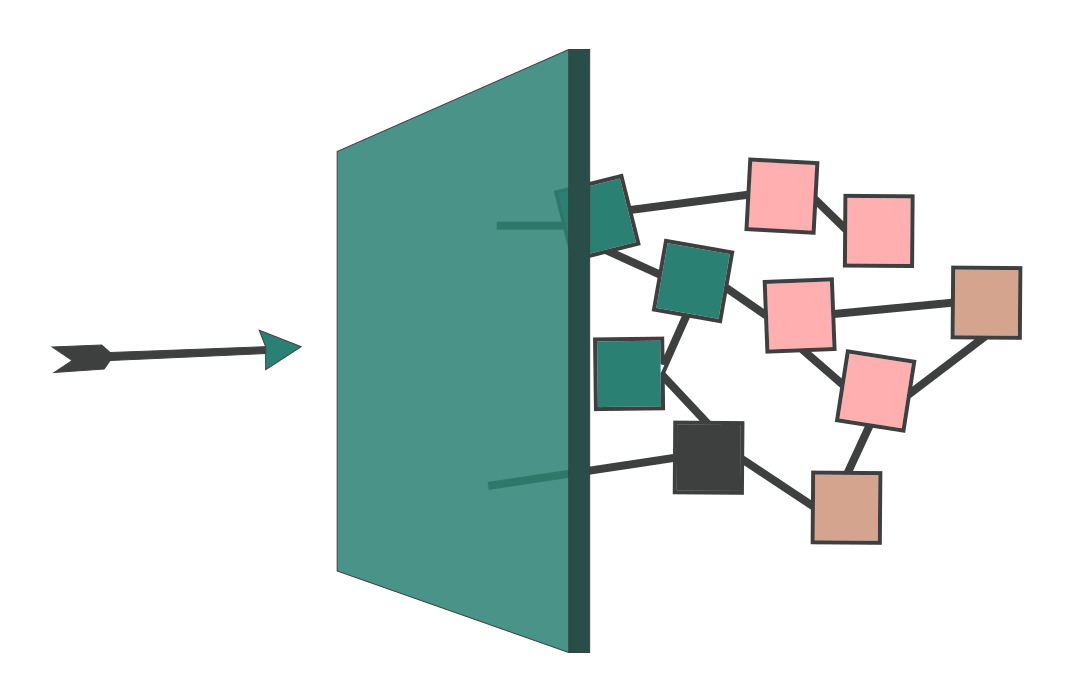 Hidden dependencies: why blockers appear too lateMost project delays do not come from tasks running long. They come from dependencies nobody modelled — discovered at the moment they block something.
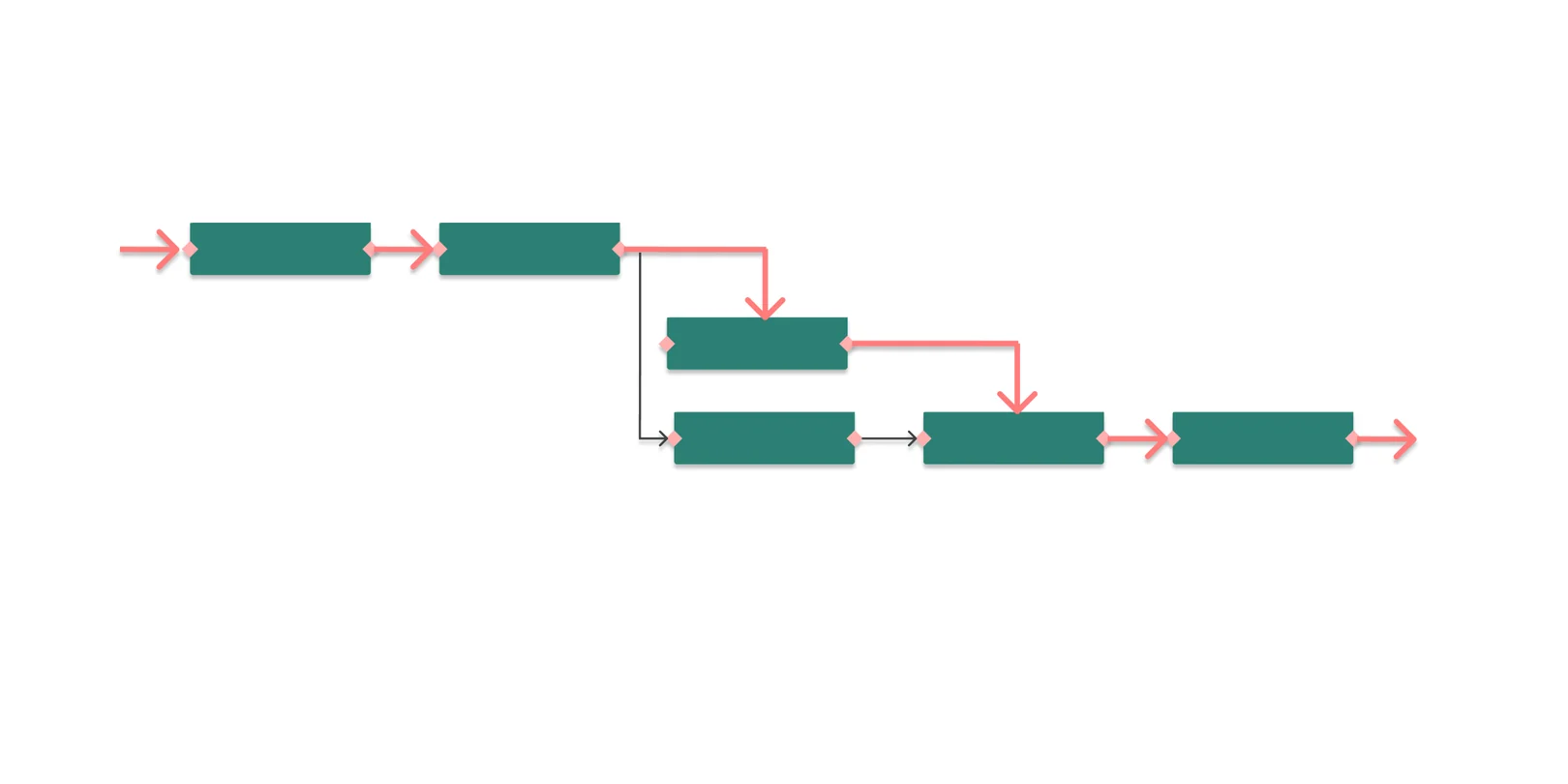 What is the critical path in project management?The critical path is the longest chain of dependent tasks in a project. It sets the minimum duration — and any delay on it moves the end date.
Set phases, milestones, and priorities for one production, for free. Upgrade to paid plans for complex productions and structured mode.
30-day free trial • No commitment • No credit card