


Free
€0
After trial · 1 project · no time limit
- Backward planning for 1 production
- Phases, milestones, items
- MoSCoW Kanban per phase

As head (or manager) of production, you hold the line: coordinate phases, arbitrate priorities, keep delivery date in sight. Orchesia gives you backward planning, priorities, and workload per cycle — without chasing information.
Direction, shooting, post-production, vendors: everyone follows their own thread, no one has the big picture. Trade-offs come too late.
Versions, formats, retakes: requests pile up without arbitration. Delivery approaches and too much remains to do.
Team and vendor workload is never compared to real capacity. Delays only show when post-production is already underwater.
What Orchesia changes for a head of production
Backward planning from delivery date becomes the shared reference. Each department sees phases, milestones, and what must be ready — without a meeting to rediscover it.
Prioritize tasks and deliverables with a Must / Should / Could / Won't Kanban. You decide what ships and what waits — explicitly, not by default.
Visualize workload per cycle against team and vendor capacity. You spot tense weeks before they force a rush.
Manage tasks and deliverables on Kanban boards per phase (Must, Should, Could, Won't) and build the charts you need. Each phase's status is readable at a glance — for you and the team.
Three stages to hit delivery.
Place your phases (development, pre-production, shooting, post-production) working back from delivery date. The whole production shares the same course.
In each phase, create items (tasks, deliverables) and decide with MoSCoW Kanban. Your arbitration becomes visible to the whole team.
With cycles, allocate people and hours, track workload against team and vendor capacity, and build the charts you need to follow progress.
Cycle planning sets what has been sold against what the team can produce over the period. The gauge fills as you assign: the breaking point appears before the commitment, not after.
Time off, training, unavailability: recorded once, they feed the workload view across every project. A week that looks covered stops being so when two people are away.
The reference schedule recorded at the start of production lets you say which step slipped and by how much. That is what separates an arbitration from a war of attrition.
Three capacity-specific measures: average load, peak load and number of days above 100%. Broken down by person or project, over the period you choose. What used to be argued from instinct becomes a curve.
Offres payantes · mode structuré
On a long production with heavy dependencies, Orchesia calculates the critical path between phases for you (editing doesn't start before shooting ends) and generates the schedule from project structure (WBS, dependencies/PERT, Gantt chart) — with AI-accelerated formatting.
Production moves in scattered order.
Production moves behind the same course.
And for the same reason: what was estimated before kickoff, not what was tracked after.
of projects finish with a variance against the original budget
PMI, Pulse of the Profession 2018, 4,455 practitionersof failed projects cite inadequate cost estimation
PMI, Pulse of the Profession 2018mature organisations meet the original budget, against immature ones
PMI, Pulse of the Profession 202030-day free trial · No commitment · No credit card
At the end of the trial, continue free on a simplified project, or choose a paid plan for multiple projects and structured mode.
After trial · 1 project · no time limit
For complex and multi-project productions
No. You can coordinate backward planning for one production for free (a simplified project), without a credit card. Advanced features (multiple projects, structured mode, AI) are on paid plans.
No. Orchesia works upstream to scope, plan, and coordinate: backward planning, phases, milestones, priorities. It is not a production office or call sheet tool.
Not quite: the producer owns financing and overall responsibility; the head (or manager) of production coordinates day-to-day fabrication. Orchesia primarily tools this coordination role.
Yes. On a paid plan, you manage multiple projects in the same workspace, track workload per cycle, and build your dashboards.
No. It's primarily the production team's tool; items can be shared with vendors without them needing to log in.
A few hours. The tool builds on familiar concepts: phases, milestones, priorities, and backward planning from delivery date.
The methods behind the tool, explained in detail.
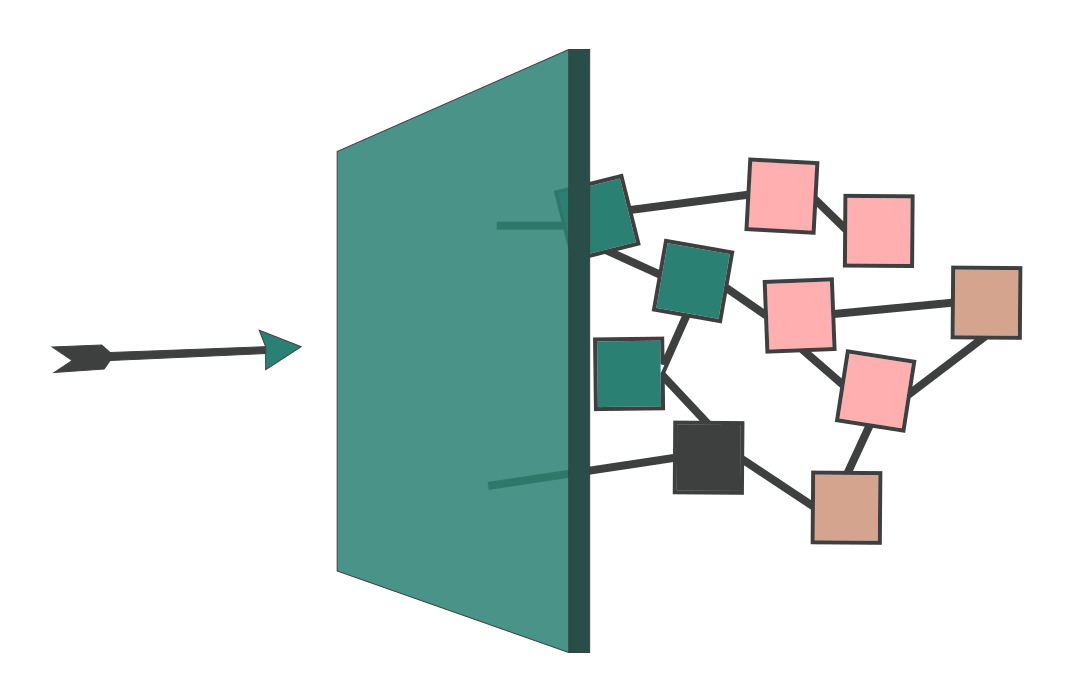 Hidden dependencies: why blockers appear too lateMost project delays do not come from tasks running long. They come from dependencies nobody modelled — discovered at the moment they block something.
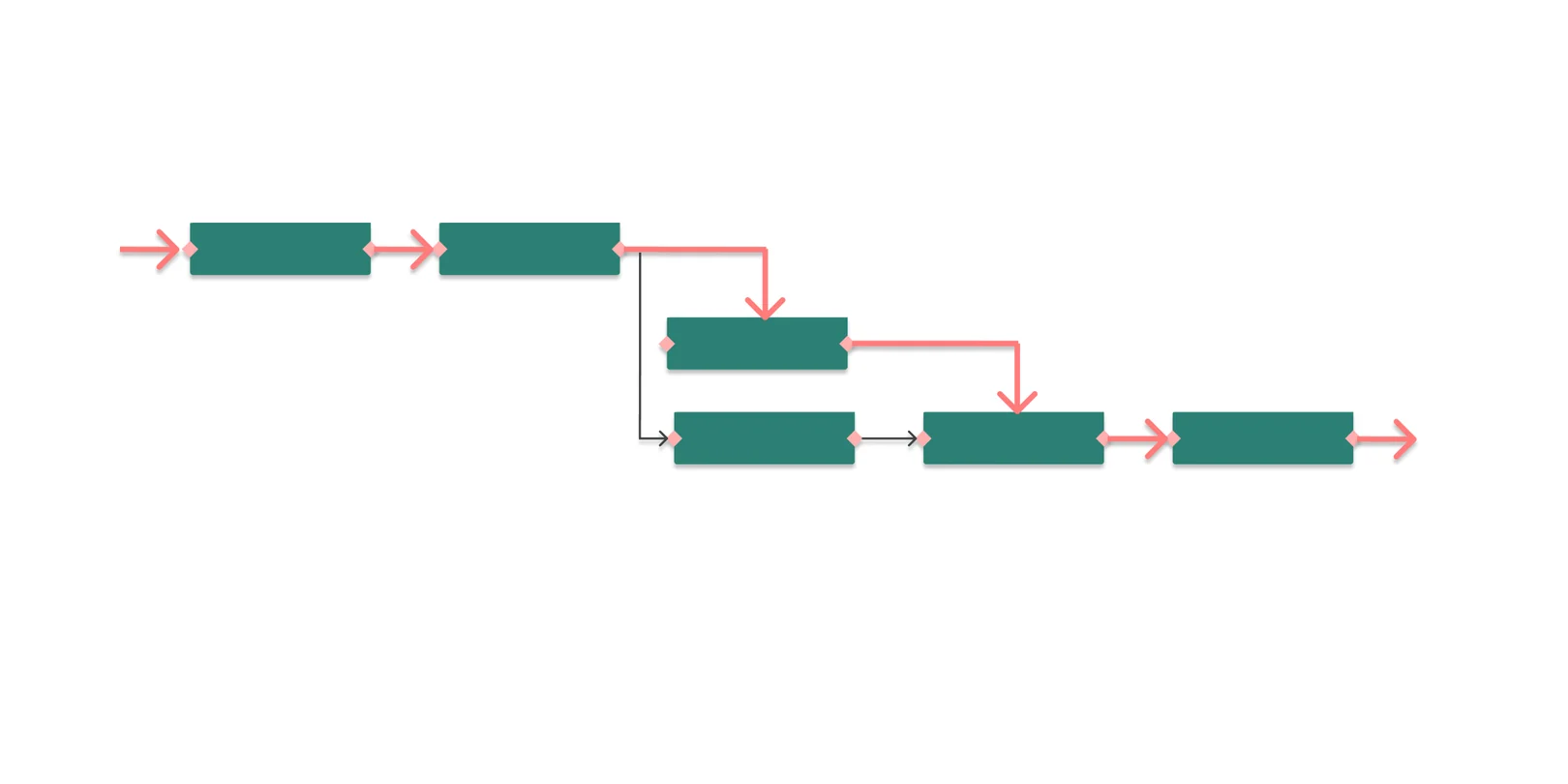 What is the critical path in project management?The critical path is the longest chain of dependent tasks in a project. It sets the minimum duration — and any delay on it moves the end date.
Set backward planning, arbitrate scope, and hit delivery — free on one production. Upgrade to paid plans for multiple projects and structured mode.
30-day free trial • No commitment • No credit card