
Project Roadmap Software: the macro view your client can actually read
A client roadmap shouldn't be a PowerPoint patched every week. Orchesia generates it from your project structure: phases, milestones and a macro view anchored in real scope.
30 days free • No commitment
Symptoms of a fragile project roadmap

Milestones set before scope is clear
Delivery dates are promised to the client before deliverables are structured. The roadmap is already wrong before it's shared.

A roadmap disconnected from execution
The roadmap lives in a slide or spreadsheet while the team works elsewhere. As soon as the project moves, nobody knows which version is current.

Constant rescheduling that erodes trust
Every delay forces a rushed roadmap update, a re-explanation to the client, and dates that never rested on actual project content.
These symptoms appear when the roadmap is treated as a comms deliverable, not as a view derived from the project.
Good tools… for a different kind of roadmap
PowerPoint, Notion, or product roadmap tools are useful, but they don't build a delivery roadmap connected to scope, dependencies, and detailed planning.
PowerPoint works in meetings, but doesn't reflect the project
The timeline is drawn by hand. When a task slips or a deliverable changes, the slide is obsolete. You rebuild everything and re-explain to the client.
Notion and Miro document, but don't recalculate
You can place phases on a timeline, but without a WBS or dependencies. Every scope change means manually updating the roadmap.
Monday and Asana show a roadmap view without structuring the project
The timeline view assumes an already scoped project. Without a WBS and PERT upfront, the roadmap stays a visual layer on a fragile task list.
Aha! and Productboard target product roadmaps, not project delivery
These tools prioritize features and product themes. Orchesia addresses a different question: structuring a client project with phases, milestones, and defensible deliverables.
Orchesia isn't a product roadmap tool. It's a delivery roadmap generated from project structure.
A simple method to build a defensible roadmap
Orchesia guides you to clarify scope, structure the project in phases, model dependencies, and share a macro view your team and client can follow.
A project roadmap generated from structure, not drawn by hand
In Orchesia, the roadmap is a macro view of phases and milestones. It shares the same foundation as the WBS, PERT, and Gantt: change the structure and all views update.
Milestones anchored in project structure
Each roadmap milestone maps to a phase or deliverable in the WBS. No arbitrary dates: the roadmap reflects what actually needs to be produced.
A macro view readable for clients and leadership
The roadmap shows major stages without drowning in Gantt detail. Ideal for kickoff, steering committees, or progress reviews with non-technical stakeholders.
AI working on your project
Describe your project in one sentence: AI generates the WBS, predicts the tasks and proposes the dependencies. You review and adjust in one click. You keep control — AI just speeds it up.
A roadmap that updates with the project
When scope or dependencies evolve, the roadmap recalculates from structure. Present an up-to-date vision without starting from a blank slide.
For an agency, consultancy, or project team, it's the difference between a roadmap you defend and one you endure.
Scope is what moves most
Teams know it, and it is the first difficulty they report.
- 70% vs 53%
mature organisations meet the original scope, against immature ones
PMI, Pulse of the Profession 2020, 3,060 practitioners - 2nd of 15
responding to mid-project change, among the main challenges reported by French SMEs
Capterra 2018, 753 respondents - 52%
of projects experienced scope creep, against 43% five years earlier
PMI, Pulse of the Profession 2018, 4,455 practitioners
Scope creep is growing. It is not a question of firmness: it is a question of a reference written before kickoff.
Two ways to present a project roadmap
Without roadmap software connected to the project
Looks good in meetings, fragile in execution.
- Roadmap in an isolated slide or spreadsheet
- Milestones set before scope is clarified
- Manual rescheduling with every change
- Team and client on different versions
- No link to detailed planning
With Orchesia
Macro vision, anchored in structure.
- Phases and milestones from the WBS
- Dependencies modeled upfront (PERT)
- Roadmap updates when the project evolves
- Same reference for team and client
- Zoom to Gantt without double entry
Who is the Orchesia roadmap for?
Orchesia is for teams that must present a clear roadmap and hold it on projects with real deliverables, milestones, and dependencies.

Agencies and communications teams
To present a credible client roadmap from kickoff and maintain it without rebuilding the slide with every scope change.

Project managers and delivery teams
To align the team on key phases without exposing all Gantt operational detail to stakeholders.

Consultancies and systems integrators
To secure milestone commitments made in presales or launch committees, on a structured project base.

PMOs and program directors
To harmonize roadmap presentation across multiple projects and keep a comparable macro view.
A useful roadmap isn't another document: it's the visual translation of a well-structured project.
Your client deserves a roadmap that holds.
Not a schedule patched the night before the review.
See Orchesia in a demoFrequently asked questions
A product roadmap prioritizes features, themes, and releases (tools like Aha!, Productboard). Orchesia's project roadmap structures phases, milestones, and deliverables on a client engagement. These are different intents.
A Gantt is a detailed view: all tasks, durations, and dependencies over time. A roadmap is a macro view: major stages and milestones for alignment and communication. In Orchesia, both are generated from the same project structure.
Yes. The roadmap is visual and readable without prior training. Use it for kickoff, progress reviews, or milestone presentations, without exposing all operational detail.
Yes. Because it rests on project structure, any change to scope or dependencies flows to the roadmap. No double entry, no slide to rebuild.
Yes. The roadmap is one view in structured mode. To build a reliable date from project content, see Orchesia project planning (WBS, PERT, critical path, Gantt).
Simple pricing, no surprises
All the tools to structure and run your projects. 30-day free trial.
per user, billed monthly
View pricing30-day free trial · No commitment · Cancel anytime
What's included
- Access to all features
- Free updates
- Document storage
- Real-time collaboration
- PDF export
 AI credits
Further reading
The methods behind the tool, explained in detail.
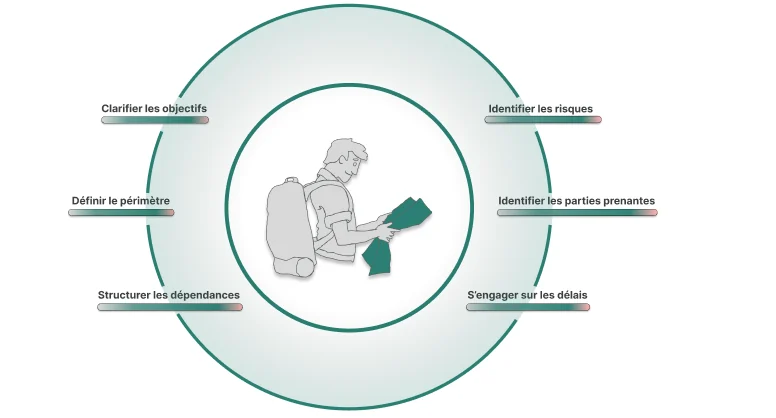 How to scope a project before you commit to a dateFraming is not paperwork. It is the last moment where a decision is cheap. Here is what a scoping stage has to produce before anyone opens a schedule.
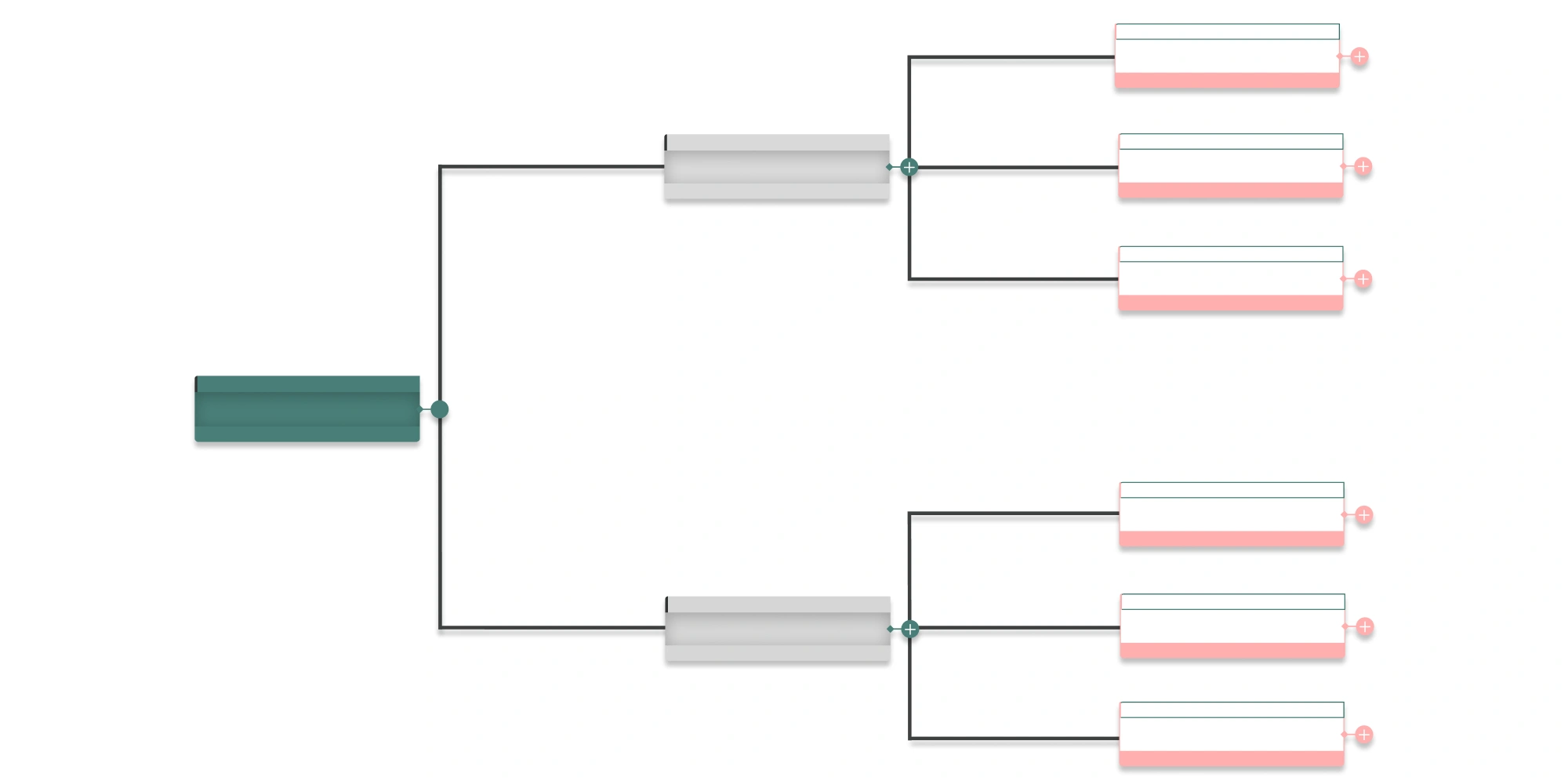 What is a Work Breakdown Structure (WBS)?A WBS breaks a project into deliverables and work packages. Definition, the 100% rule, decomposition levels and how it differs from a task list.
Stop defending a roadmap you know is wrong.
Build a structured, shareable project roadmap connected to execution, before the next client review.
No commitment • 30 days free • No card required